Day 06
Introduction
Topic of the sixth day is “Pixels”.
Concept
I wanted to create some sort of bug like in this (example)[wwww]. However, I had no prior experience in pixel manipulation, except for some knowledge gained from using Photoshop. With a rough idea of what might be technically possible, I documented my progress through this photo series:
To start, I loaded an image of a cup. I chose an image with a white background, thinking it would be easier to filter out the empty pixels. From this point on, I began working with the pixels by loading them onto my canvas and experimenting with manipulation.
The image
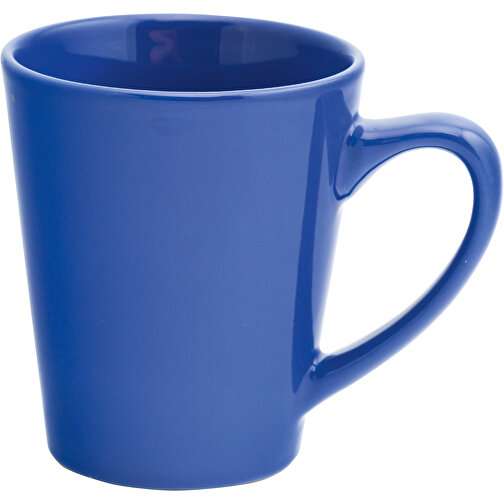
Changing grid size and pixels based on the their value
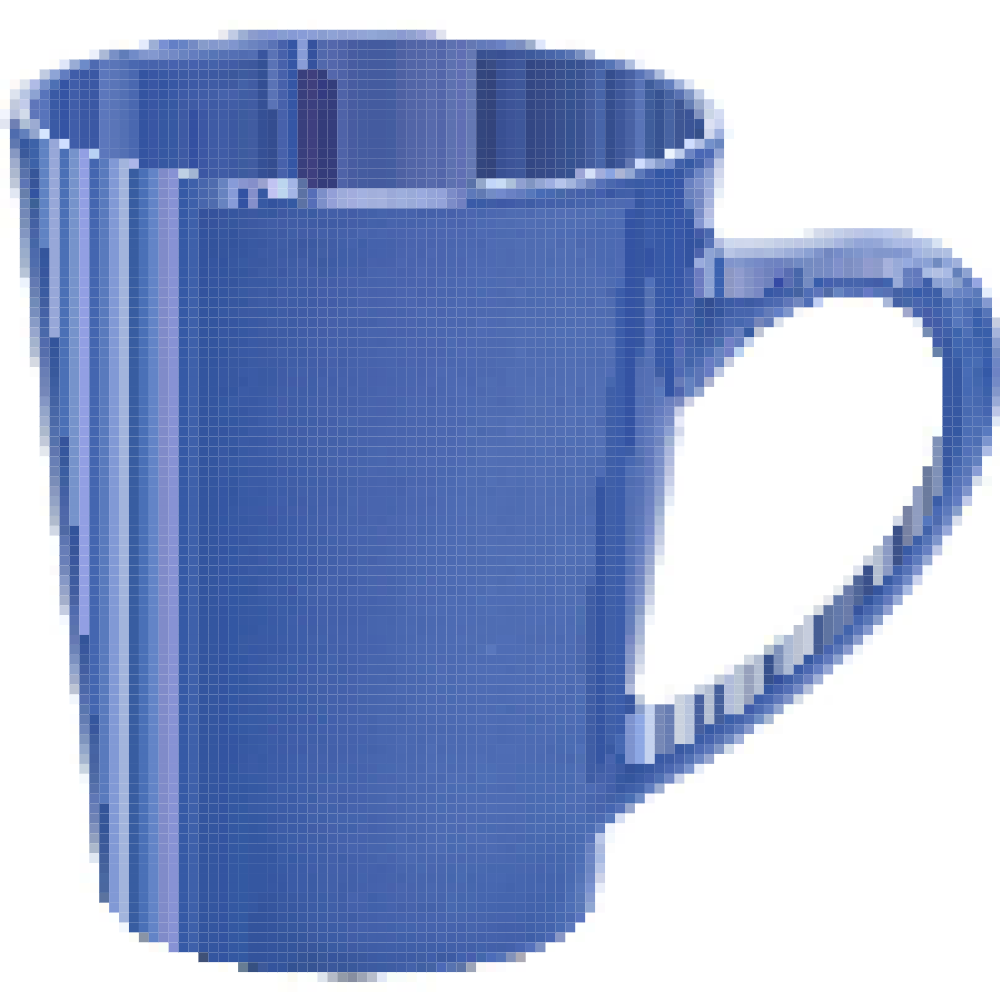

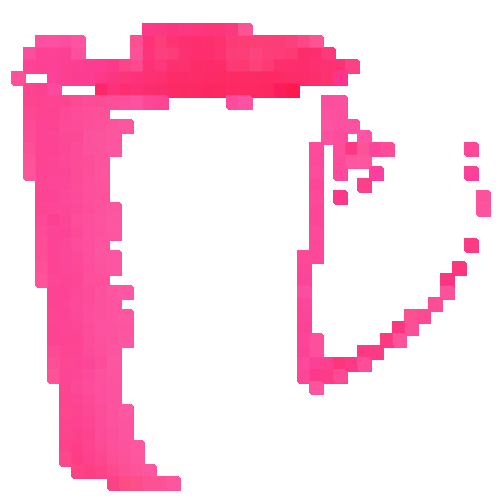
Adding pixels
At this stage, I added squares with different colors and coordinates, closely resembling the idea of a gradient. 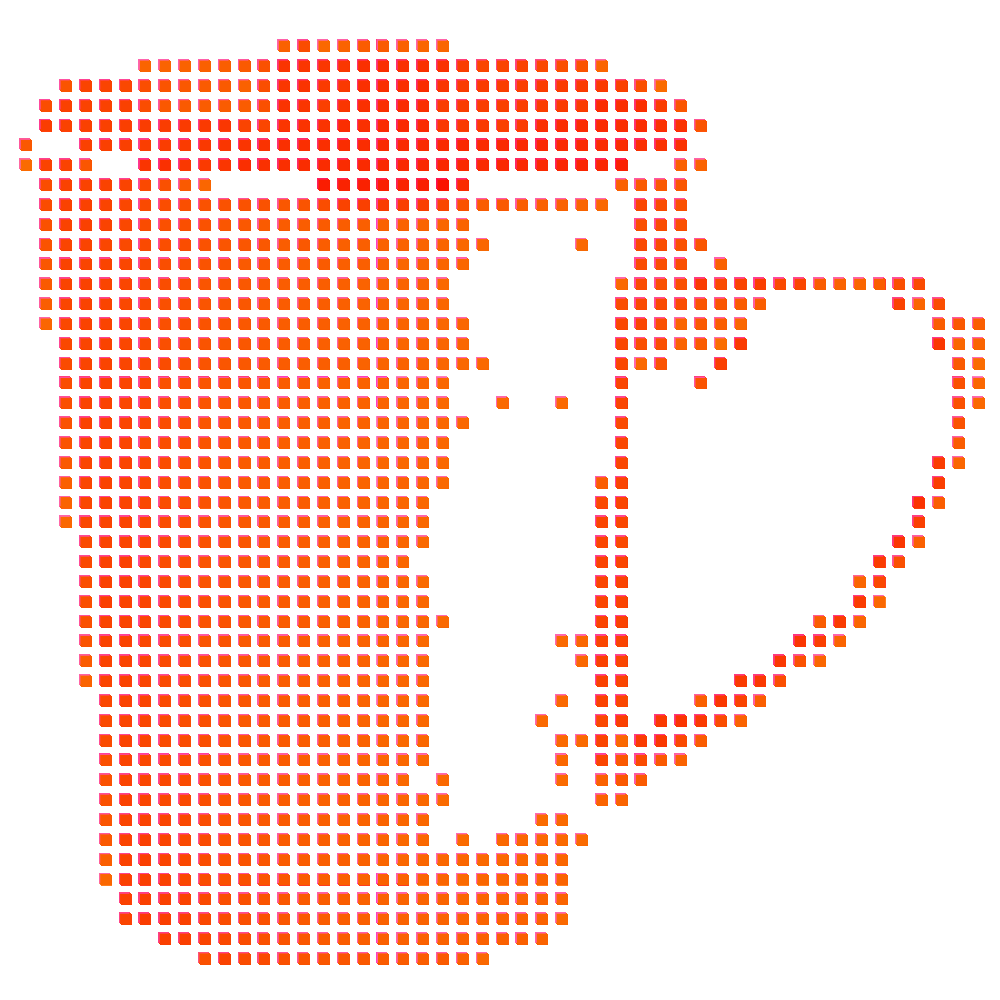
Testing with 3d
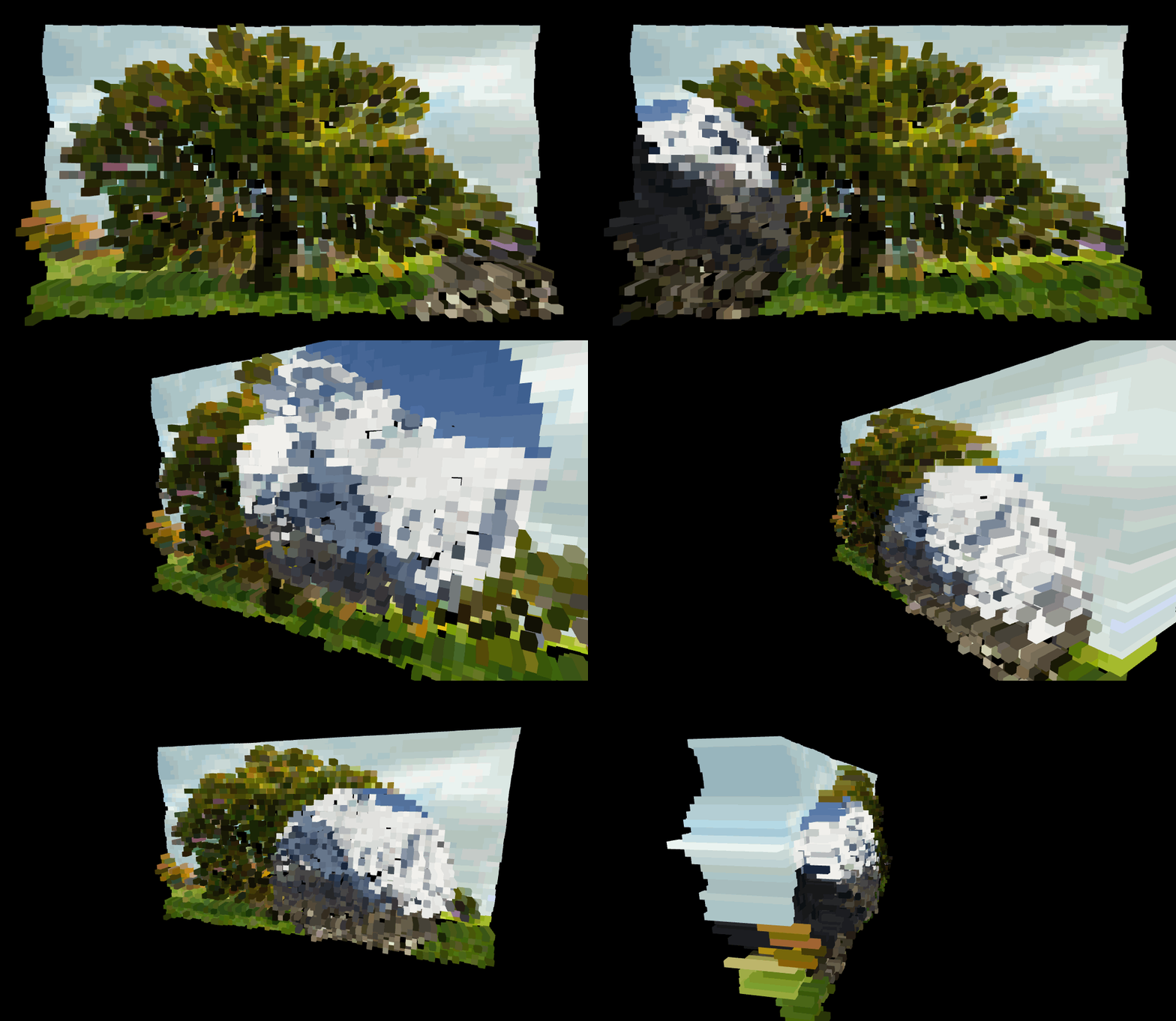
I conducted tests using OrbitControls to explore what would happen when I offset, copy, and transform pixels in the Z-axis. 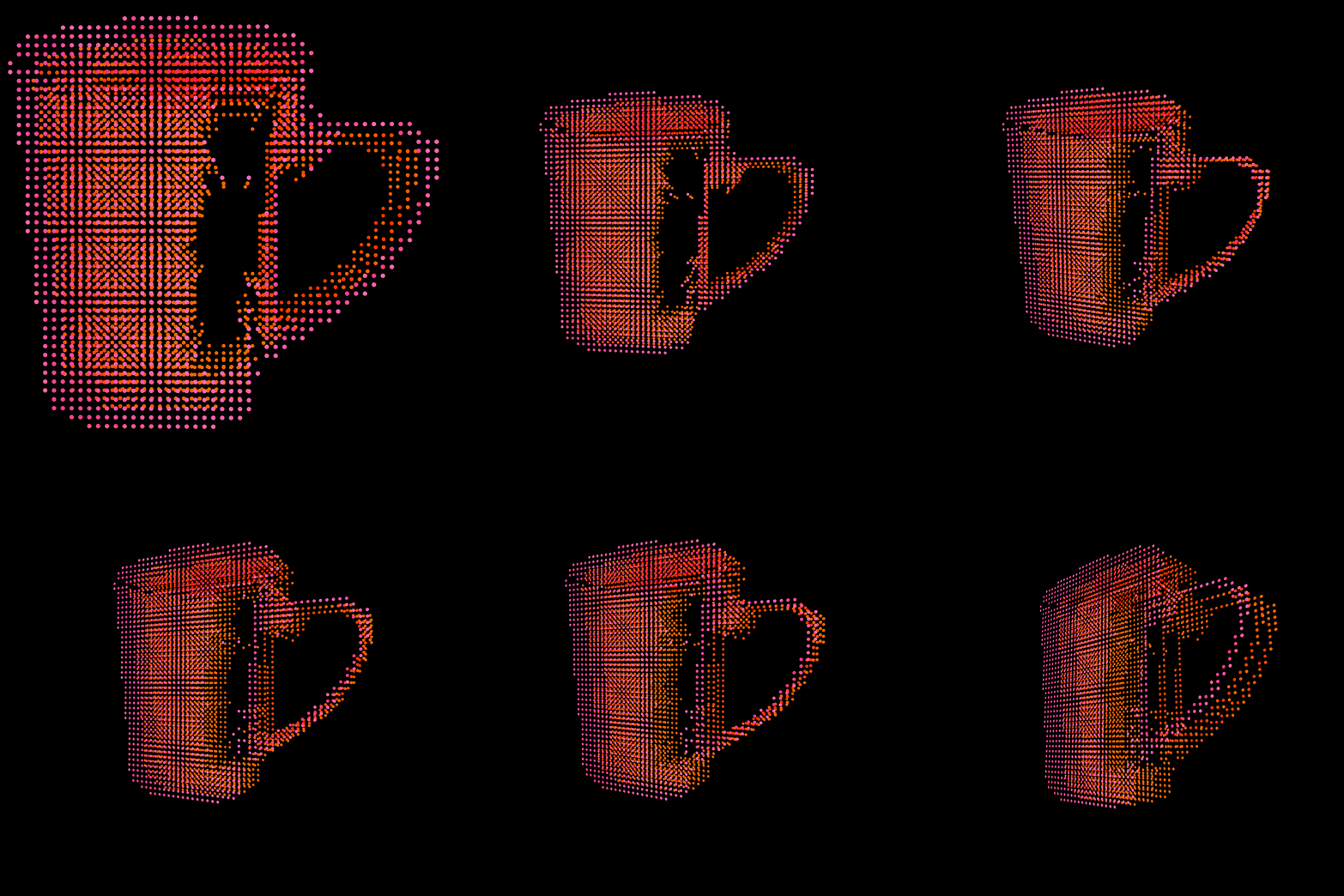
Pixel Shifting
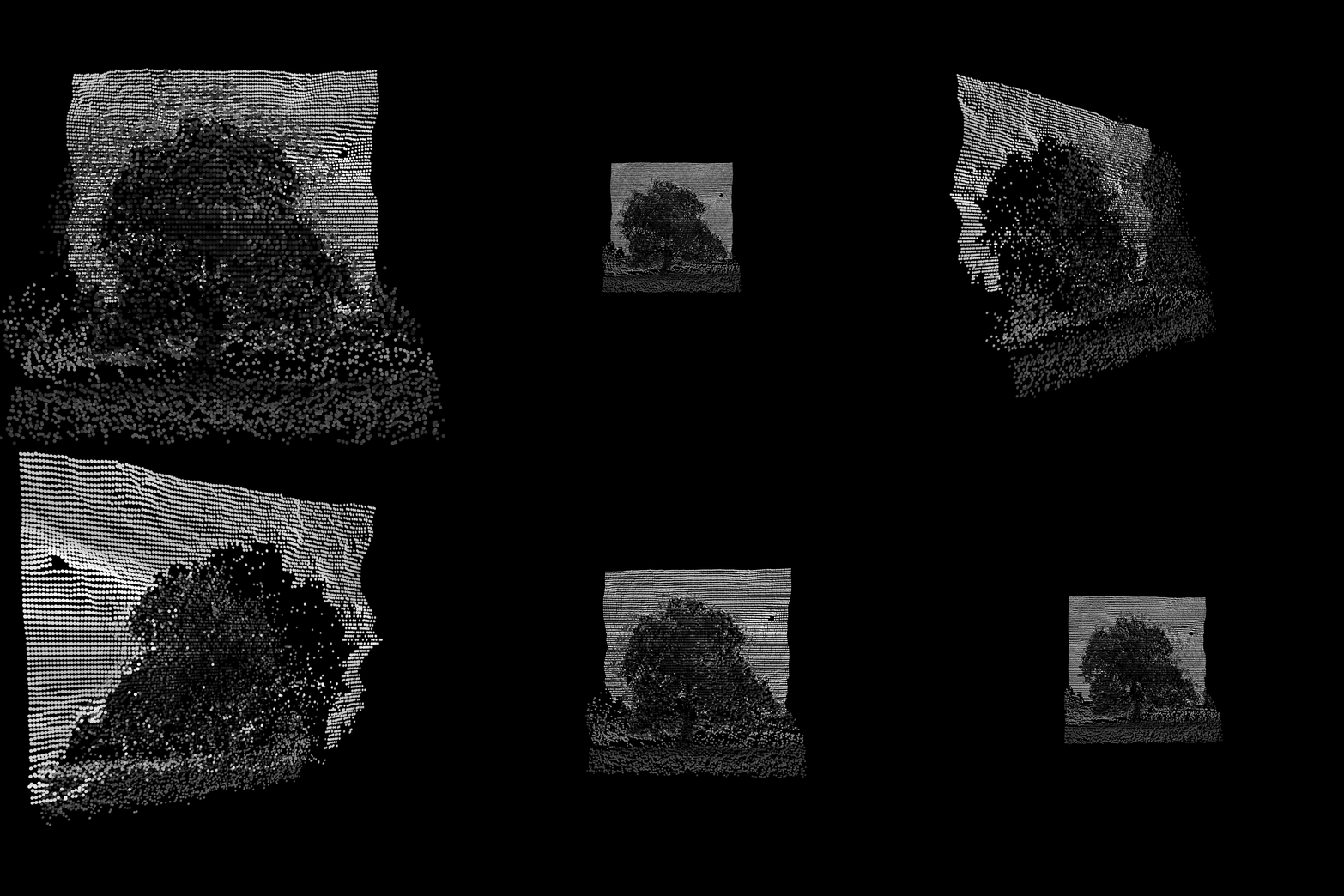
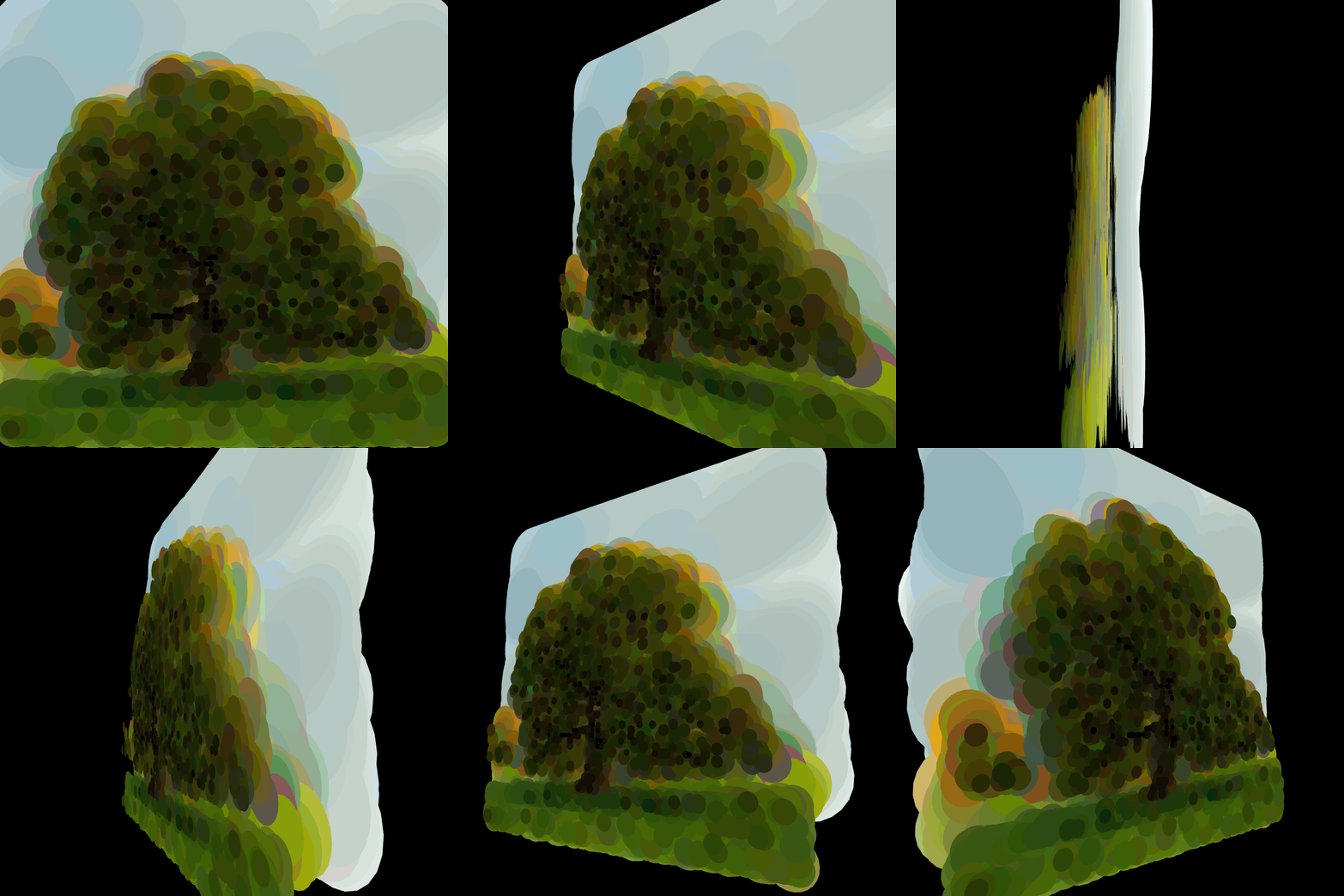
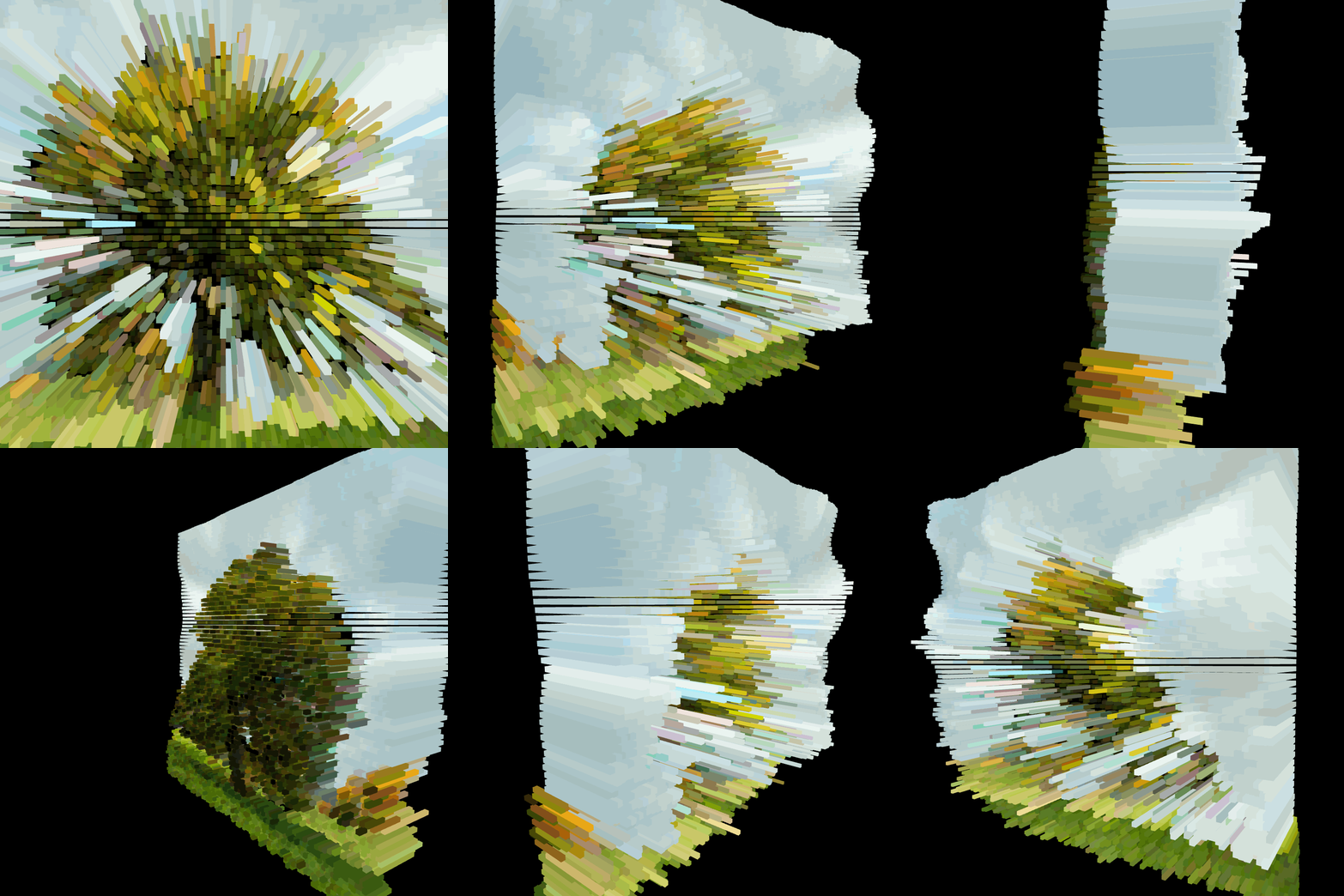
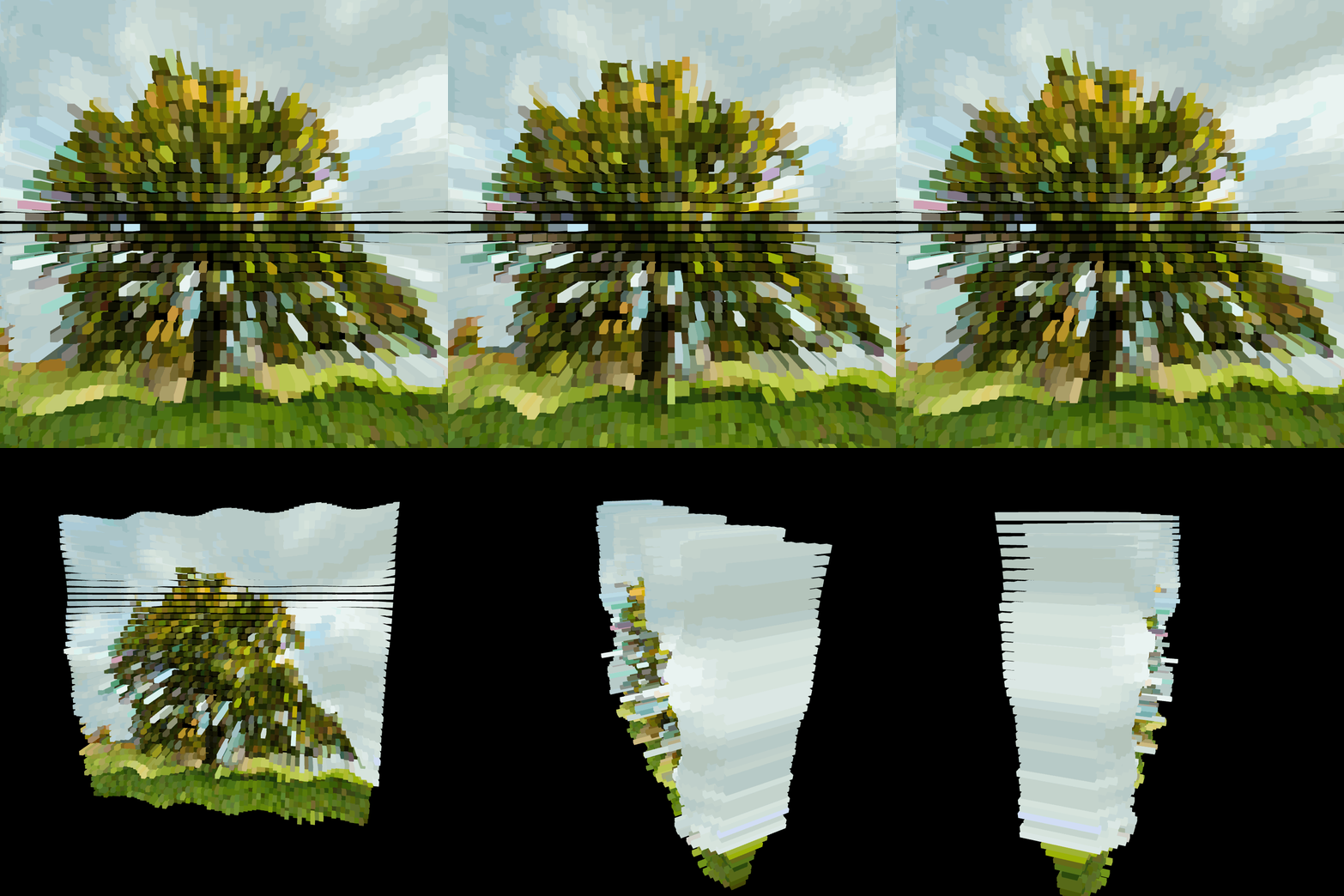
Subsequently, I aimed to create an image that works with grayscale depth, with pixels representing the average of RGB values as positions in 3D space. 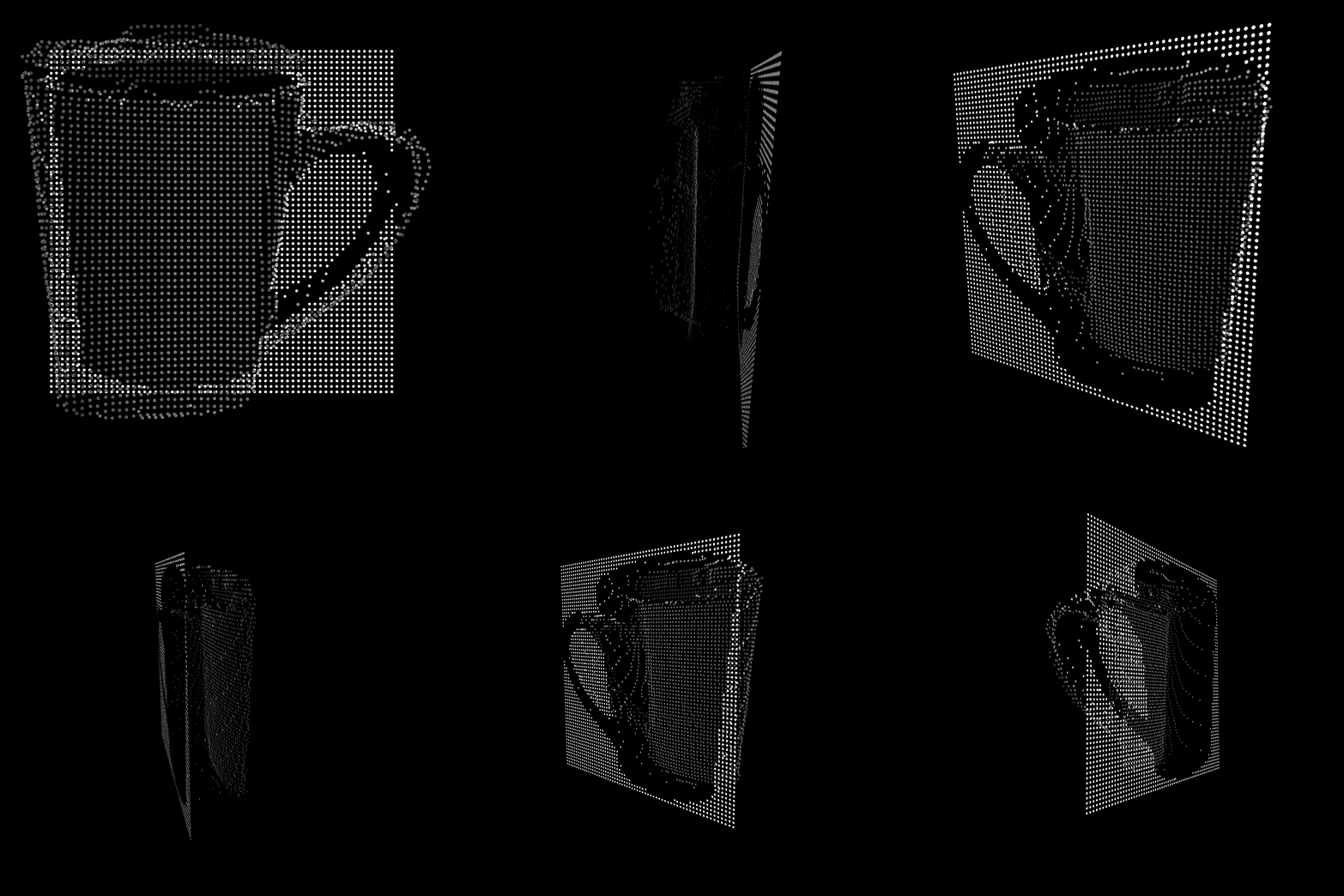
Code
Here you can check out the code for my iterations.
Cup offset Pixels
Cup Pixel with z dimension
Blocks with dimensions
Switching pixels with hover