Day 03
Introduction
The topic of the third day is “CLOCK.” The assignment was to create a concept for a clock. I once created a clock in p5, but my issue at that time was that I didn’t implement a loop. My clock was quite linear.
Concept
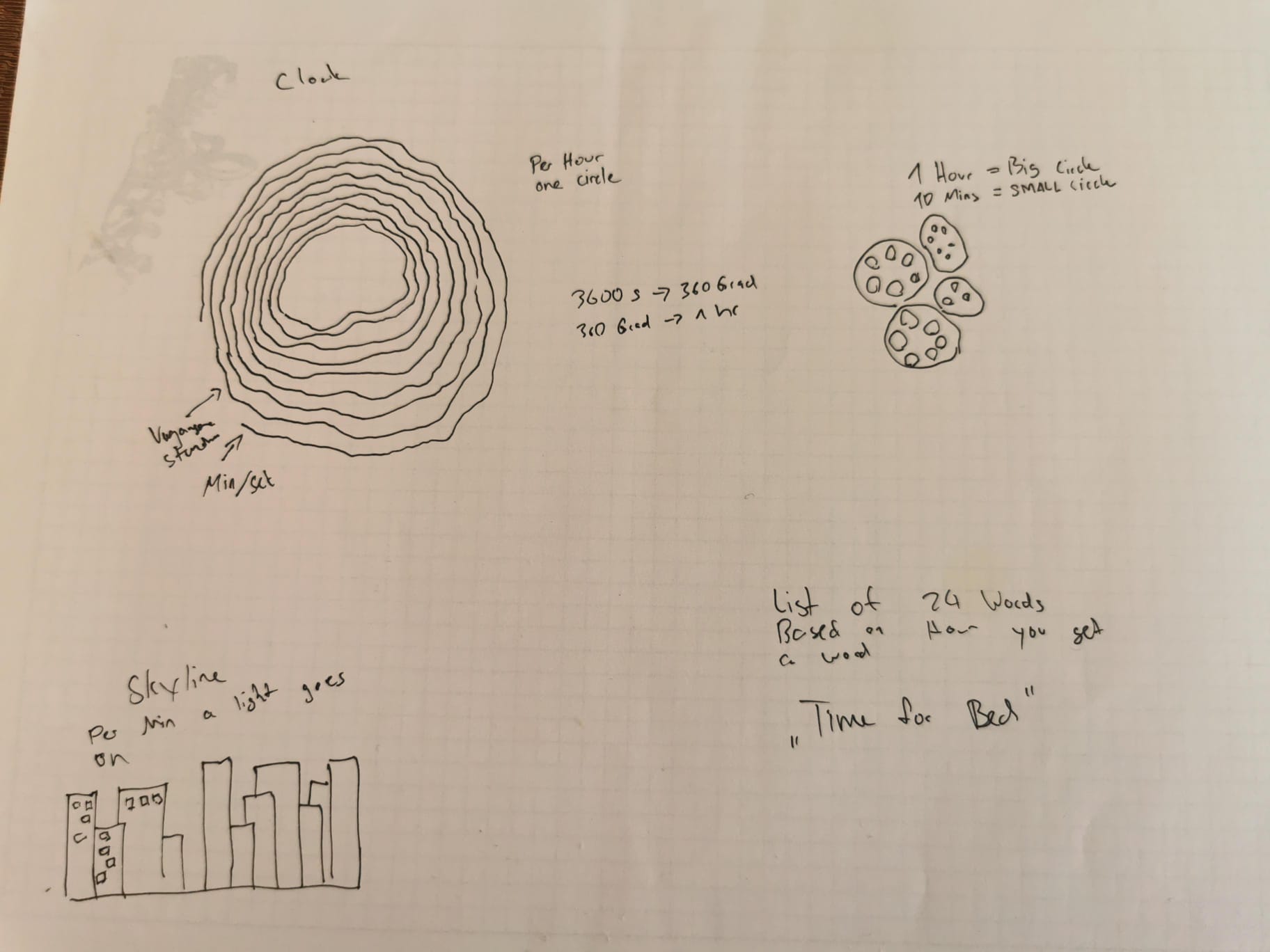
I immediately thought of tree rings. Trees usually have rings that indicate their age and the quality of the year they’ve had. For my concept, I used these rings to represent hours. From the outset, I knew there were two things to consider: creating vertex points based on the hour and adding some noise for an organic feel.
Coding
First Step
Initially, I created a for-loop. Each ring represents an hour, and the distance is based on the seconds. I used seconds to give the clock a better sense of time. In the final code, the last circle will be based on minutes and seconds.
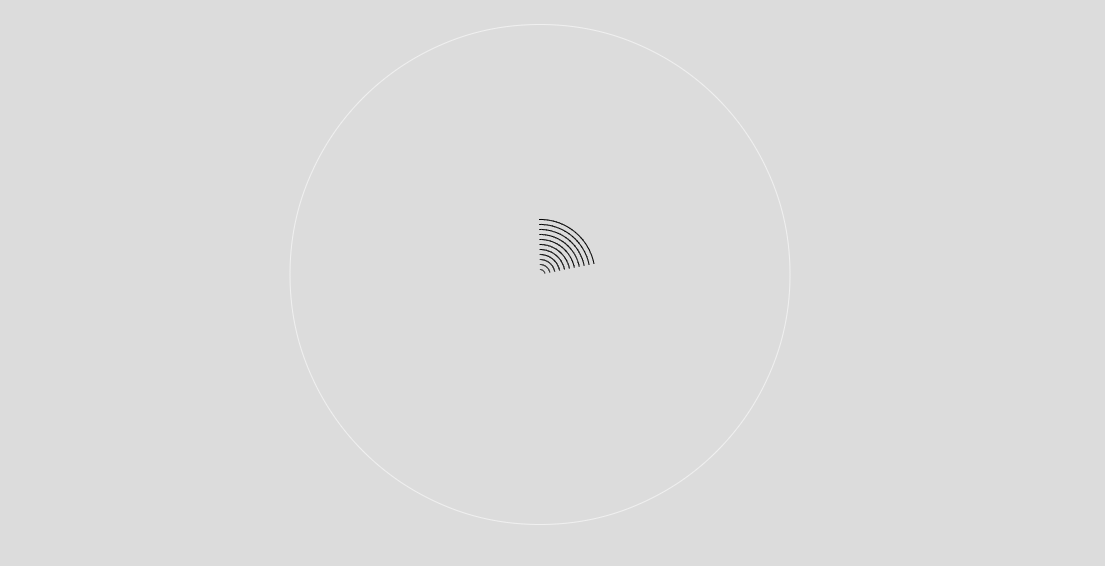
I extracted the current hour from the loop and added a separate loop

Noise
After setting up the basics and displaying the time correctly, I focused on the visual aspect of the clock. I aimed for a natural, organic feel, so I incorporated noise. The basic idea was to create a loop with noise so that it would loop seamlessly. I used “sin()” and “cos()” for rotation, both for the noise and for determining the x and y values of the vertex points. In the “noise” function, I included these two variables to describe the coordinates.Guillaume’s Example demonstrates how noise can be effectively looped.
  beginShape();
  for(let r = 0; r <= 60; r+= 1){
    radiusBig = map(r, 0, 60, 0, 360)

      noiseX = (sin(radiusBig))*noiseScale
      noiseY = (cos(radiusBig))*noiseScale
      x = (sin(radiusBig)*hourRadius)
      y = (cos(radiusBig)*hourRadius)
      curveVertex(x+noise(noiseX)*amplitude, y+noise(noiseY)*amplitude)
  }
  endShape(CLOSE)
Happy accidents during the buildup
.png)
.png)
.png)
.png)
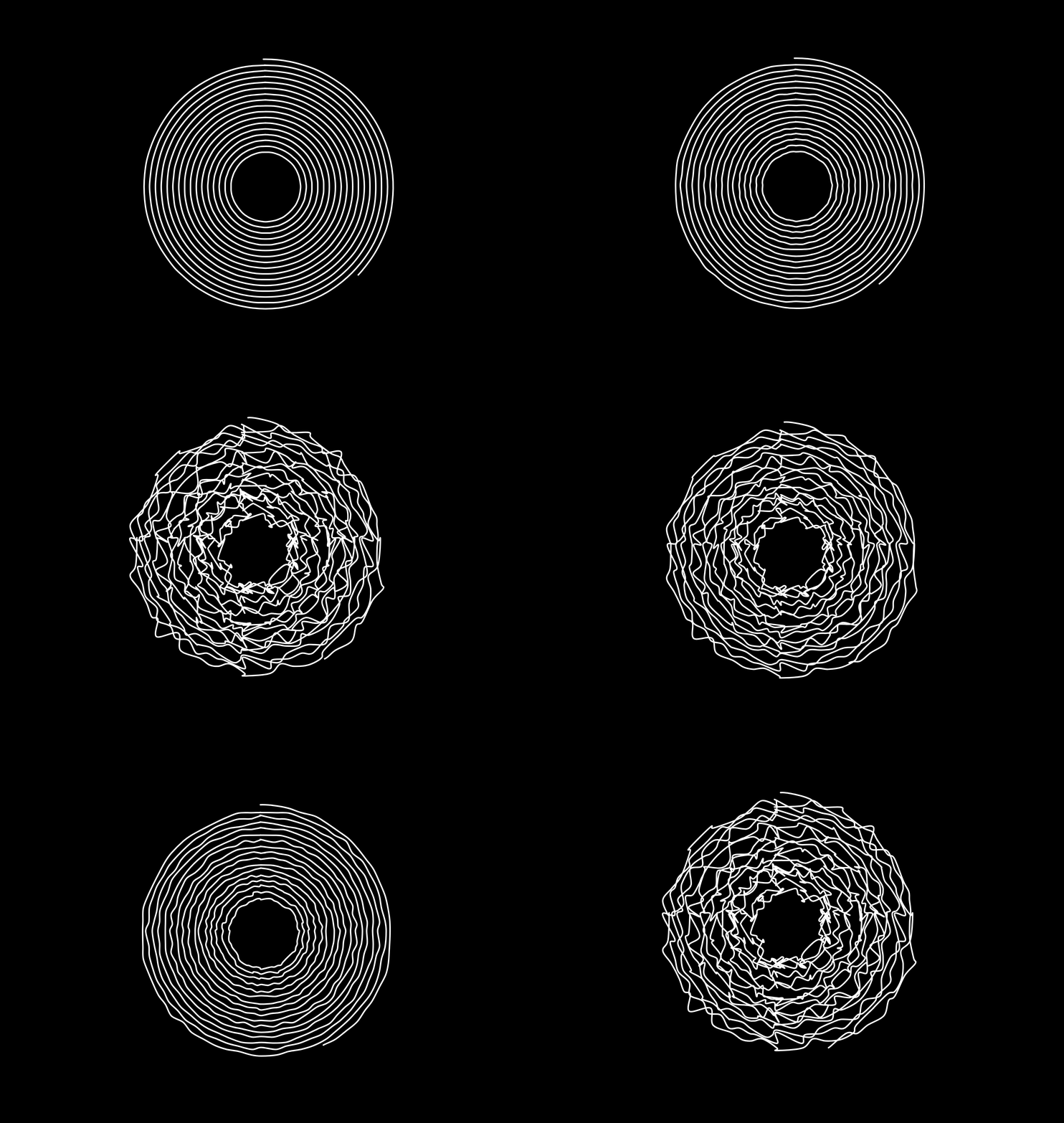
After some time, I realized that the noise was mirrored. It created an interesting effect, but perhaps not suitable for this project. After discussing it with Professor Guillaume Massol, we discovered that I had forgotten to include the second values for the noise function. So, my coordinates were essentially moving only along the x-axis of the noise. After adding both values to the noise function, I achieved the desired effect.
  beginShape();
  for(let r = 0; r <= 60; r+= 1){
    radiusBig = map(r, 0, 60, 0, 360)

      noiseX = (sin(radiusBig))*noiseScale
      noiseY = (cos(radiusBig))*noiseScale
      x = (sin(radiusBig)*hourRadius)
      y = (cos(radiusBig)*hourRadius)
      curveVertex(x+noise(x, noiseX)*amplitude, y+noise(y, noiseY)*amplitude)
  }
  endShape(CLOSE)
I wanted to add more interaction. The current path for minutes and seconds was slowly moving, but it wasn’t enough. I experimented with slow movements based on the elapsed seconds. It was suitable for a clock, but the visuals needed to feel natural. So, I linked the amplitude of the noise to the mouse position.
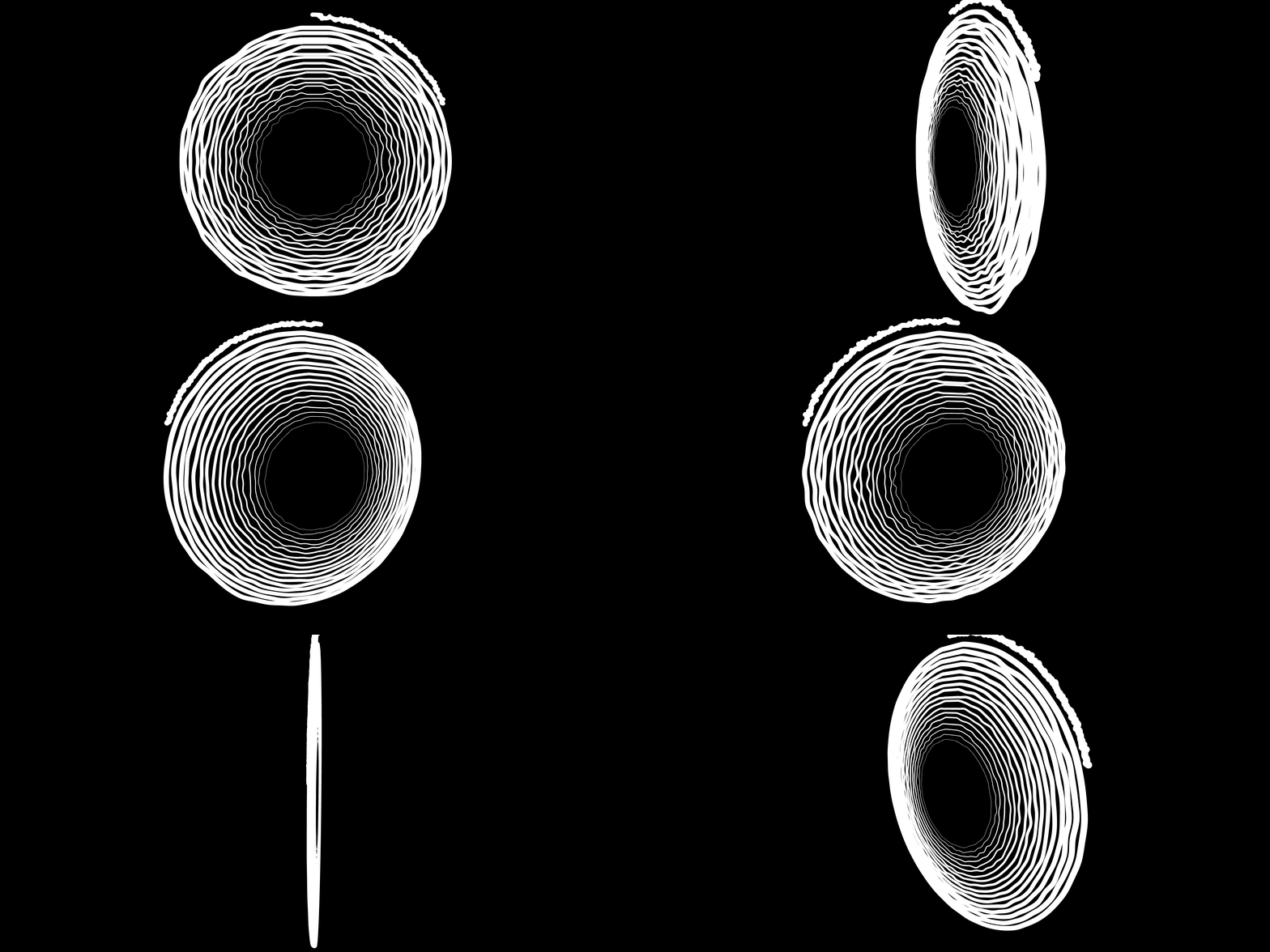
After reading the documentation, I tried using orbitalControls, but the performance with noise was subpar. So, I returned to the original idea.
Code
Here you can check out the code
Sources
Looping Noise:
Guillaume’s Example on looping Noise Blogpost on looping Noise